Work the model
Inspect & review
Trace any number to its math and source, and use trust states to know what to check.
You don’t audit a Moraine model by rebuilding it in Excel. You click the number you don’t believe.
Trace a value
Section titled “Trace a value”-
Click any value on any worksheet — a pro forma cell, an assumption, a recovery amount. The Inspector opens on the right.
-
Read the drilldown: a plain-language definition, the formula, and the components that feed it — for revenue lines, tenant by tenant with SF × rate shown.
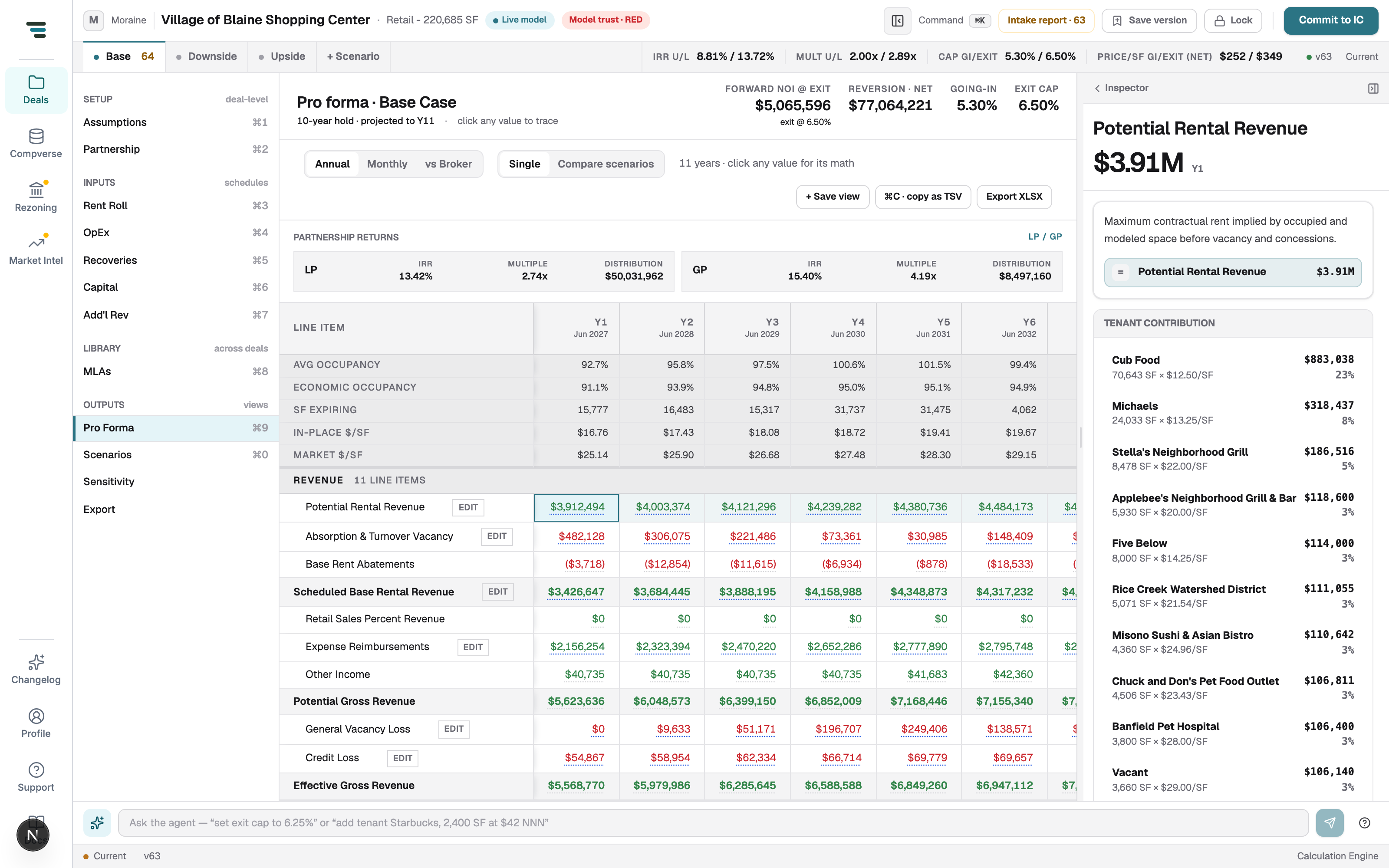
Fig 01Tracing Year-1 Potential Rental Revenue. Cub Food: 70,643 SF × $12.50/SF = $883,038, 23% of the line. -
Keep clicking — every component is itself traceable, down to the source document page for extracted values.
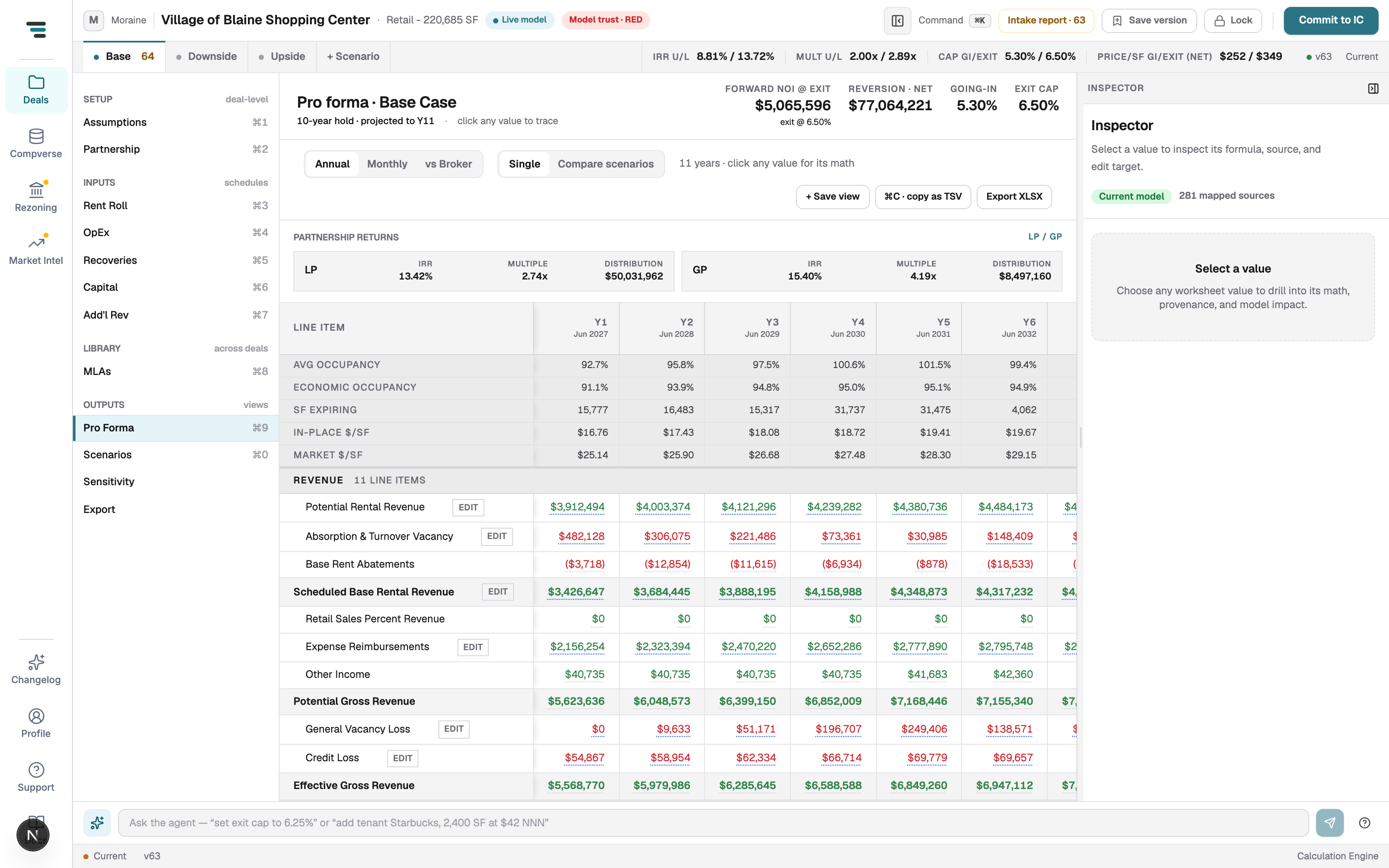
The Inspector’s resting state shows the model’s evidence base — e.g. Current model · 281 mapped sources. Open it any time with the Model trust chip in the top bar.
Trust states
Section titled “Trust states”Every value carries one, and every surface uses the same words: Mapped (read from a document, with page and quote), Inferred (derived), Defaulted (house default filled a silent source), Missing (needs you), Reviewed, Overridden, Reconciled. Definitions: Glossary.
The rollup is the top bar’s Model trust chip — RED means blocking items remain, and Intake report · N next to it is the worklist. Review means: open the intake report, Jump to each item, decide, watch the count fall and the chip turn.
Check the model against the broker
Section titled “Check the model against the broker”The pro forma’s vs Broker tab reconciles your Year 1 against the broker’s pro forma line by line, with page citations and a Reconcile action per divergence. See Pro forma & analysis.