Build a model
Manage documents
Upload, review, and organize a deal's documents, and run due-diligence analysis on them.
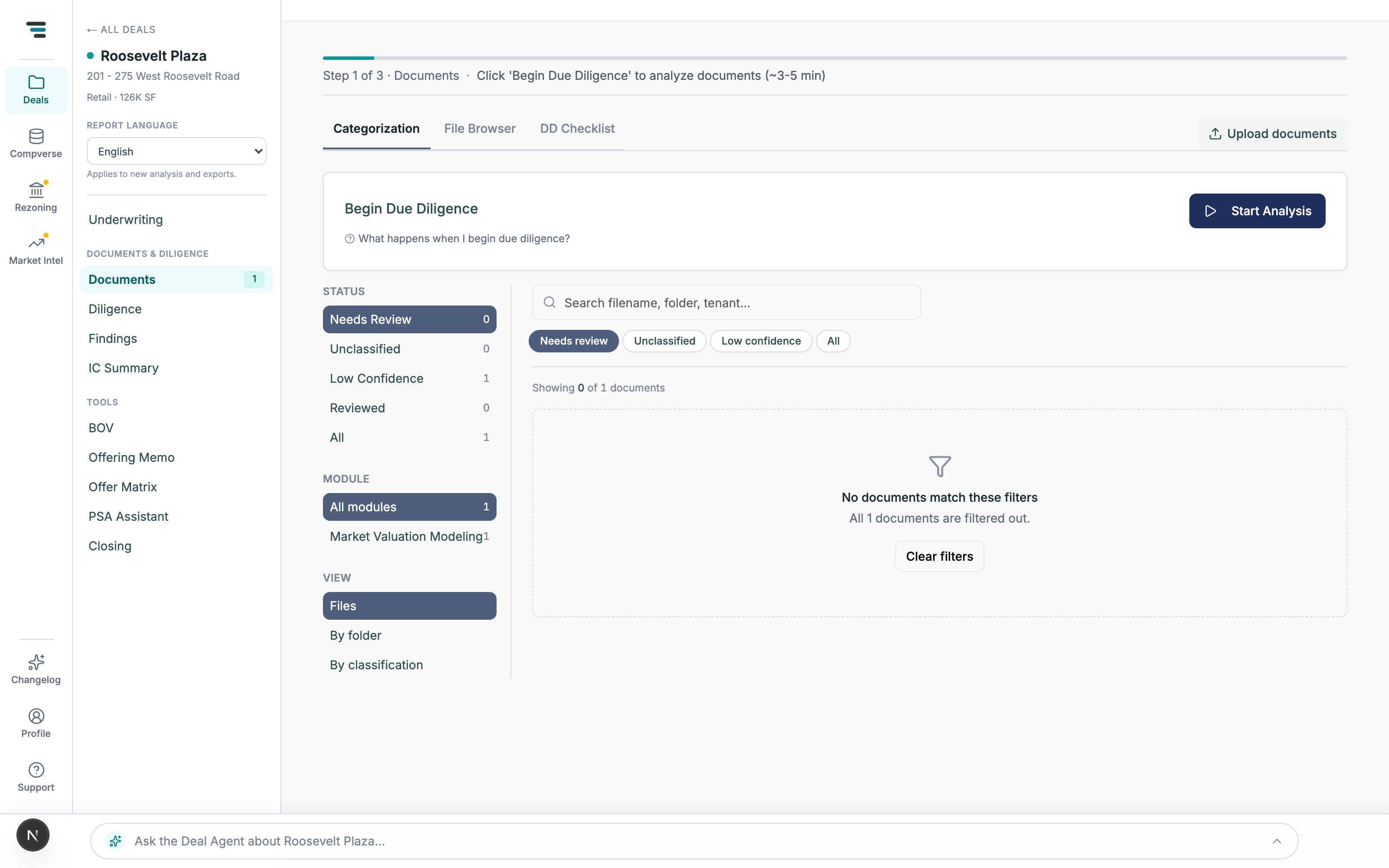
Each deal has a document manager beyond the two files a build needs: open a deal from the pipeline (row ⋯ → Documents) and you land on the Documents view with three tabs. Upload anything with Upload documents top right.
The three tabs
Section titled “The three tabs”-
Categorization — every file with the classification Moraine gave it. Filter by status (Needs Review, Unclassified, Low Confidence, Reviewed, All), by module, or switch the view between Files, By folder, and By classification. Fix a wrong classification here before it misleads an analysis run.
-
File Browser — the raw uploads, in their folder structure. Open and read any file without touching its classification.
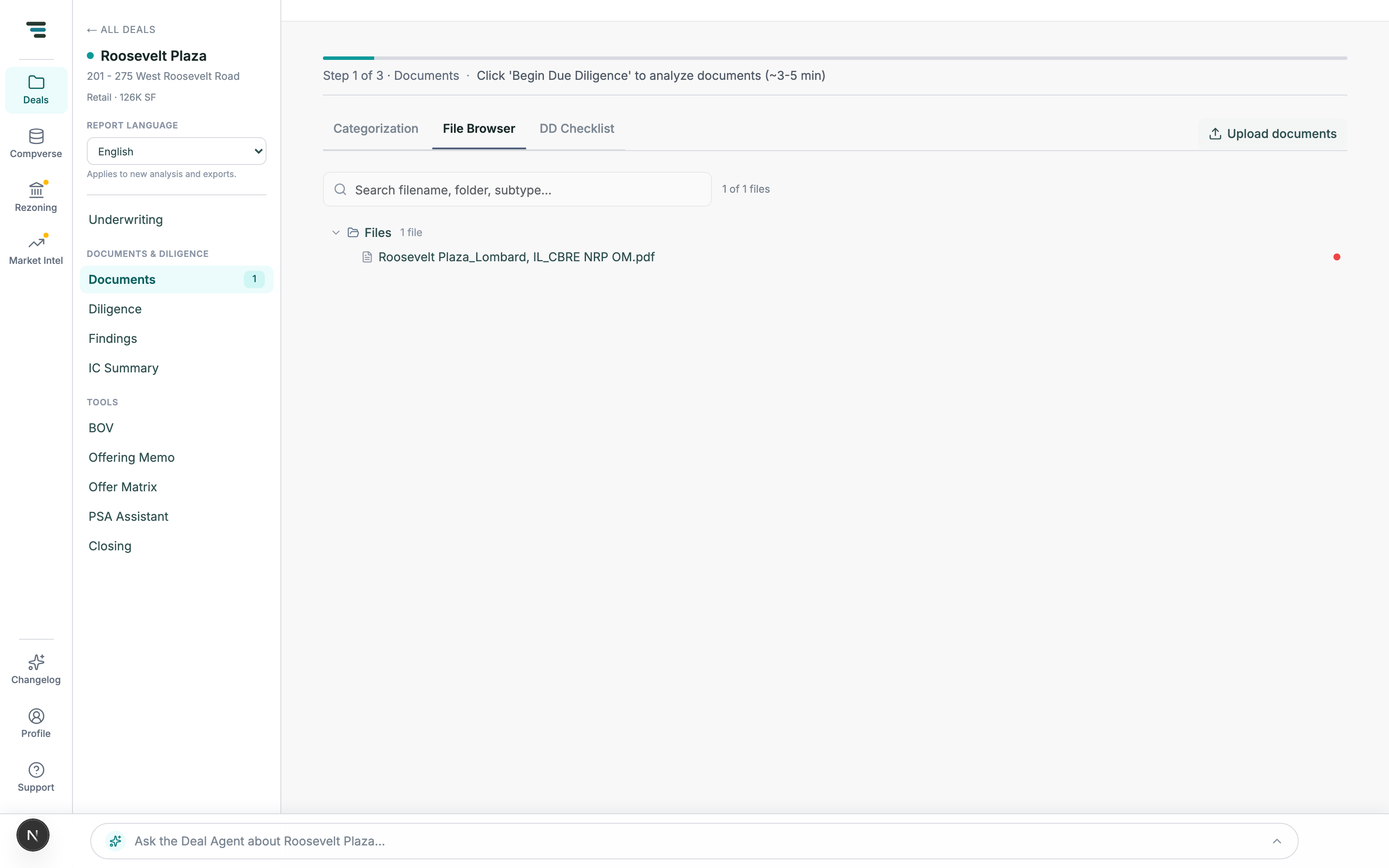
Fig 02The File Browser — read any upload without reclassifying it. -
DD Checklist — before any analysis, a single Begin Due Diligence call to action; after a run, the found/missing/partial census of what a diligence file room should contain.
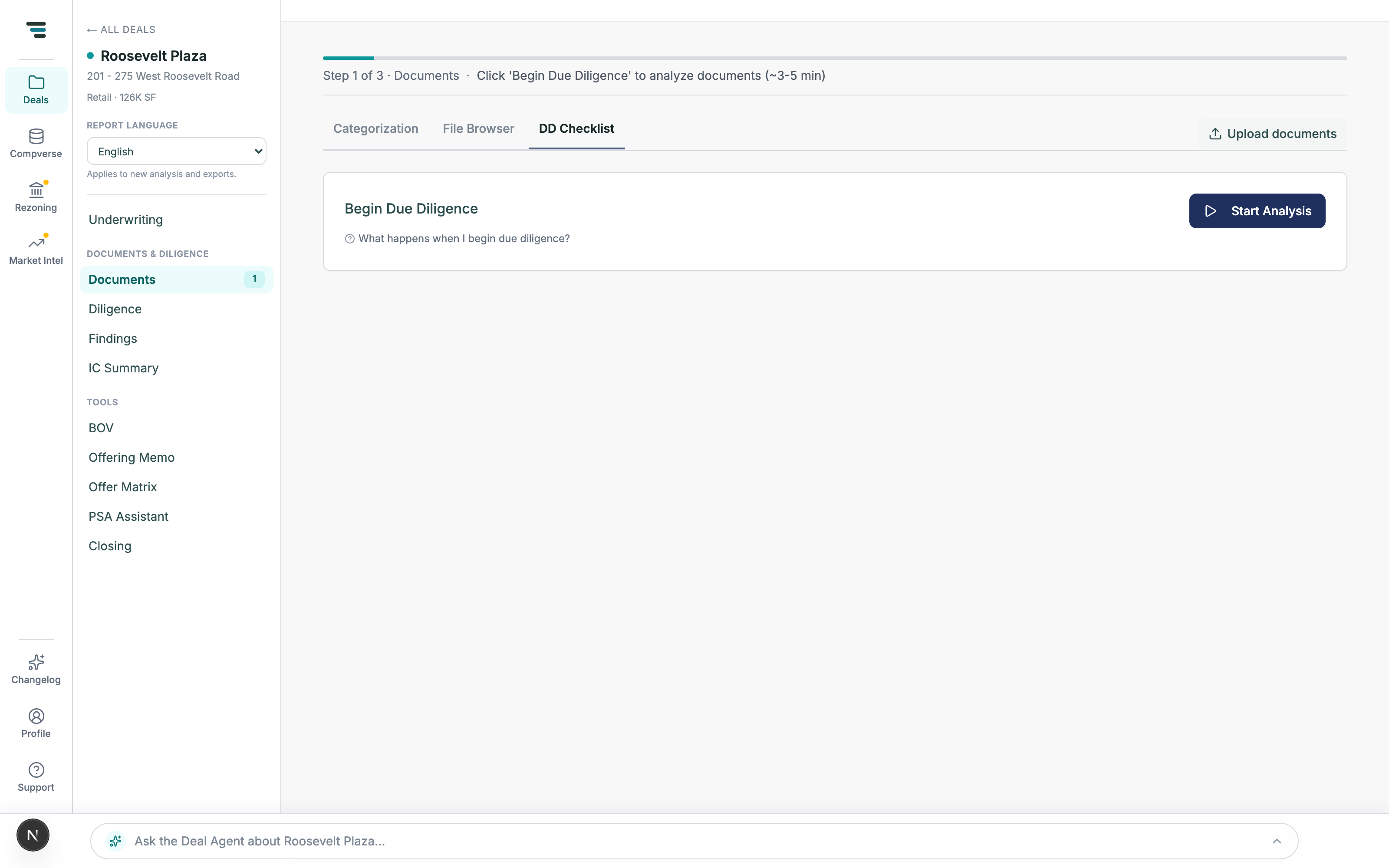
Fig 03Before the first run the checklist is one call to action; the census tiles appear when analysis completes.
Run document analysis
Section titled “Run document analysis”-
Upload the deal’s documents — folders are fine, and structure helps (a folder per tenant works best).
-
On Categorization, clear the Needs Review queue so every file has the right classification.
-
Click Start Analysis (the Begin Due Diligence banner, ~3–5 min). Findings, the populated DD Checklist, and the deal’s diligence views fill in as modules complete.