Build a model
From an OM
Upload an offering memorandum and get a first-pass model you correct instead of build.
The investor’s path: you have an OM and want a screening model in minutes. Moraine reads the OM — rent roll pages, pro forma, market leasing legend, financing terms — and builds a model you correct, not one you assemble.
-
On the Acquisition pipeline, click Upload OM and pick the PDF. Your file picker opens directly. The deal row is created for you and the OM starts processing.
-
Wait for the row to reach Ready to build, then click Build. Already inside the deal? The launcher’s From an OM lane does the same thing — Moraine picks the best OM on the deal automatically.
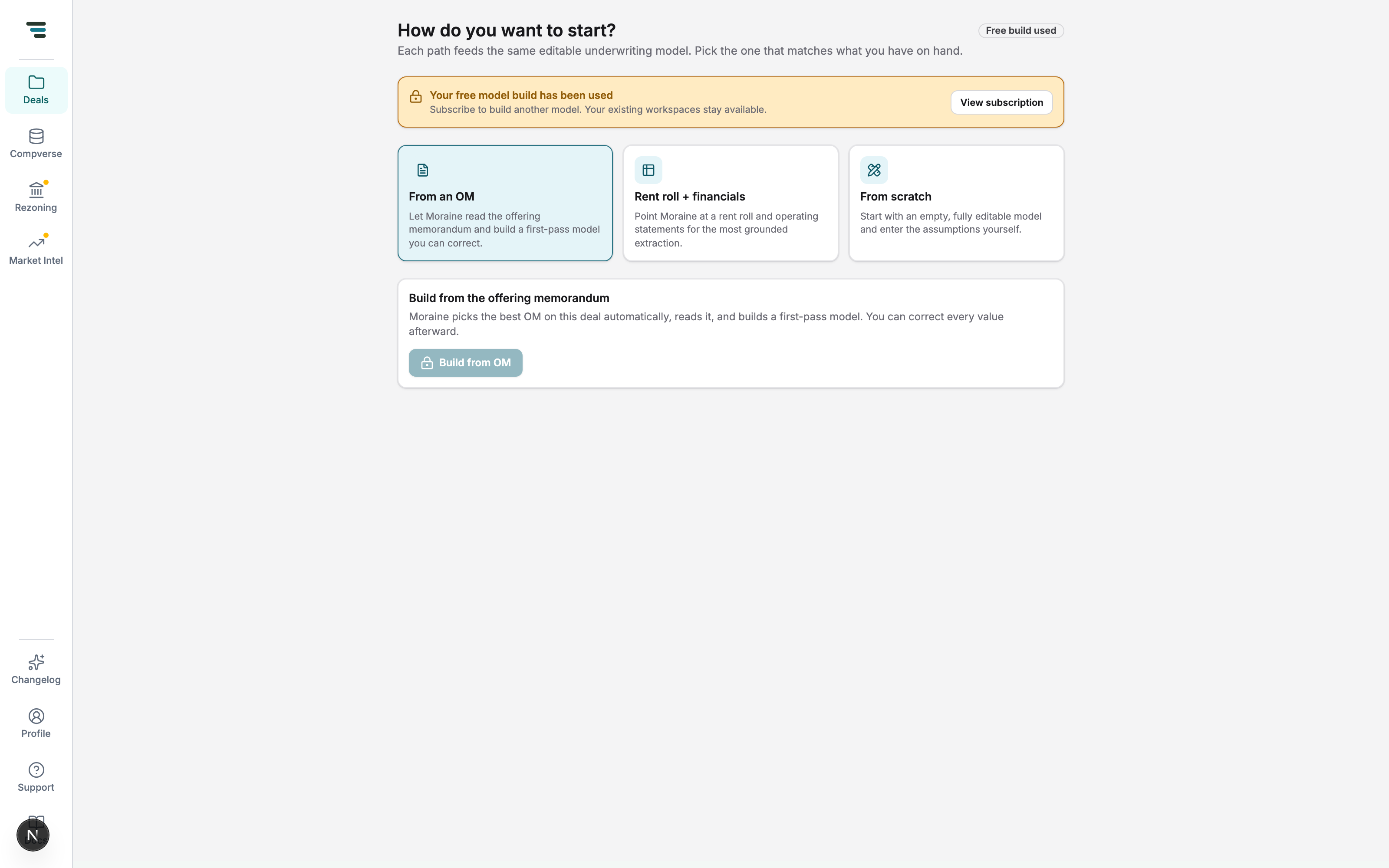
Fig 01The From an OM lane. When your build entitlement is used, the button locks and the banner offers View subscription — existing models stay available. -
The row shows Building model with live extraction progress. A few minutes; you can leave.
-
When it reads Model ready, click Open. You land on the intake report — read it before trusting the model. OM builds lean on the broker’s own pro forma, so the vs Broker view is where you’ll spend your first review pass.