Build a model
From a rent roll + financials
Build from one current rent roll and one operating statement — no OM required.
The most grounded build uses exactly two sources, both primary. Use it when you have the deal’s actual paperwork — or when you’re the broker producing the OM rather than reading one.
-
On the Acquisition pipeline, click Rent roll + statement.
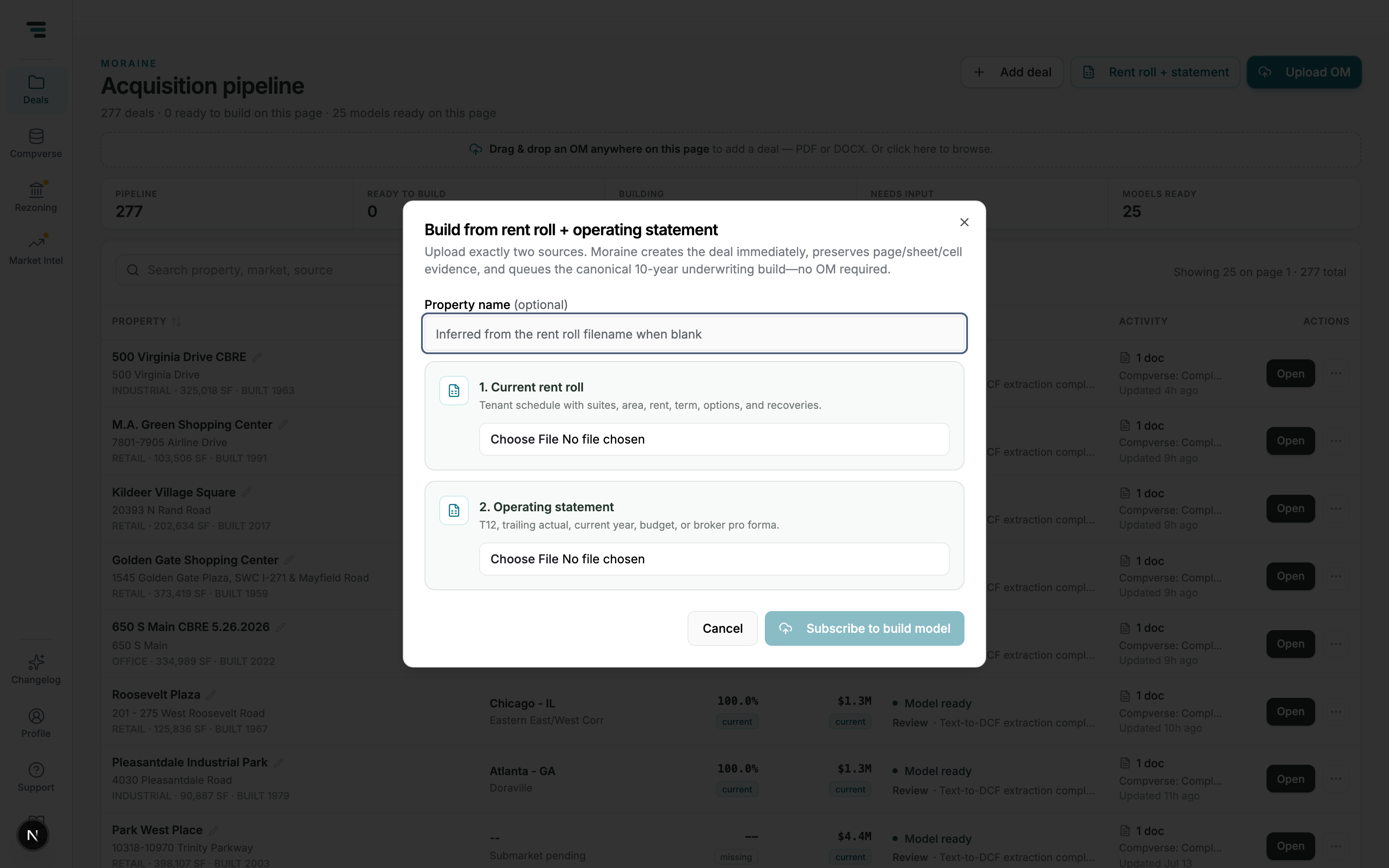
Fig 01Two slots, two files. The property name is inferred from the rent roll filename when left blank. -
Upload 1. Current rent roll — the tenant schedule with suites, area, rent, term, options, and recoveries. PDF, Excel, and CSV all work.
-
Upload 2. Operating statement — one of: T-12, trailing-period statement, current year, budget, or broker pro forma.
-
Click Build model. Moraine creates the deal, preserves the page/sheet/cell evidence from both files, and queues the build. The pipeline row tracks progress; you land on the intake report when it’s done.
From inside a deal
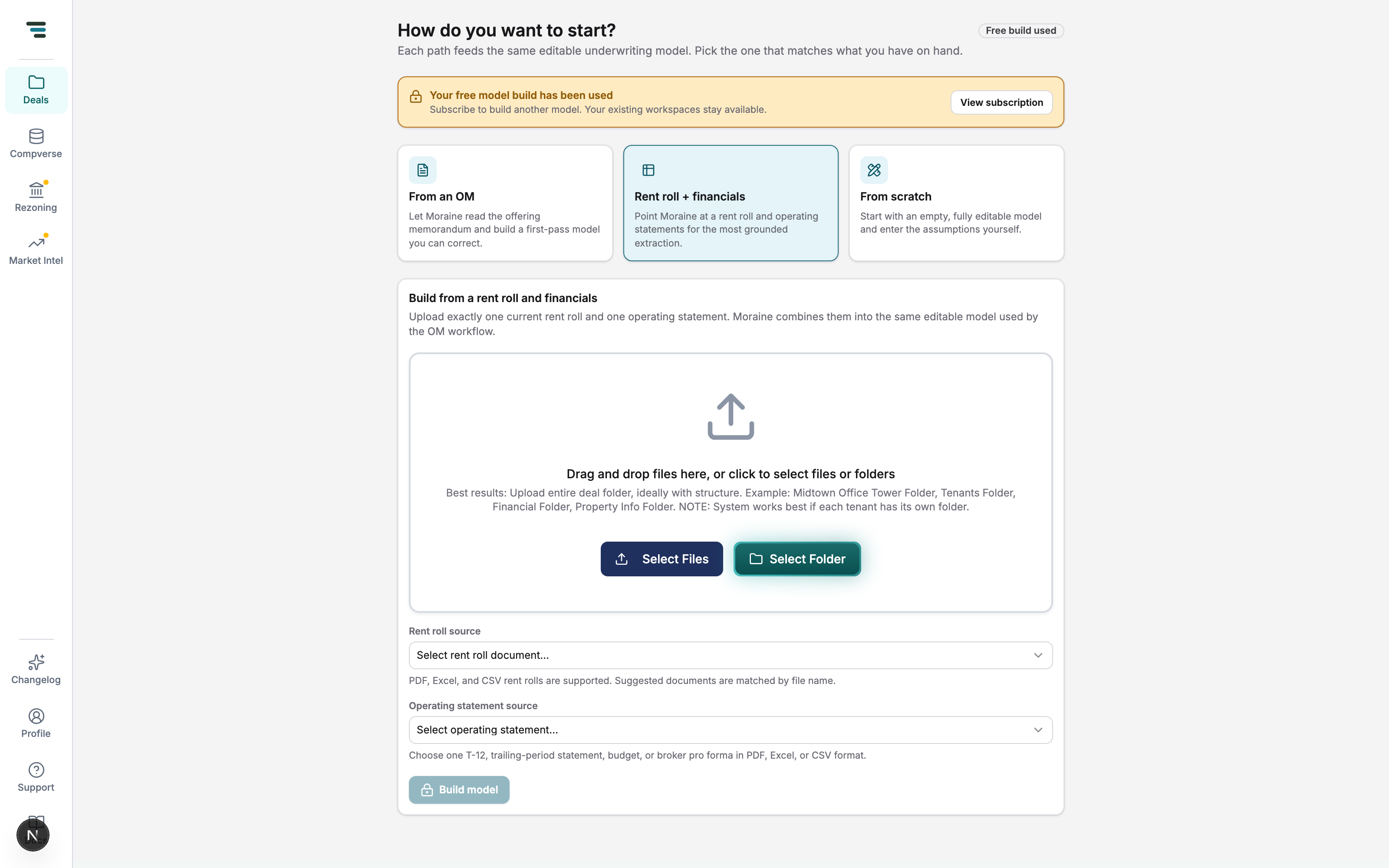
Section titled “From inside a deal”A deal that already exists offers the same path on its launcher — the Rent roll + financials lane, with a drag-and-drop zone and pickers that match documents already uploaded to the deal by file name.