Build a model
From scratch
Create an empty, fully editable model and enter the assumptions yourself.
No documents, no extraction — an empty model you fill in. Use it to sketch a deal that only exists as a conversation, or to rebuild a model you know by heart.
-
On the Acquisition pipeline, click Add deal, name the property, and click Create & build model. (Inside an existing deal, pick the From scratch lane on the launcher instead.)
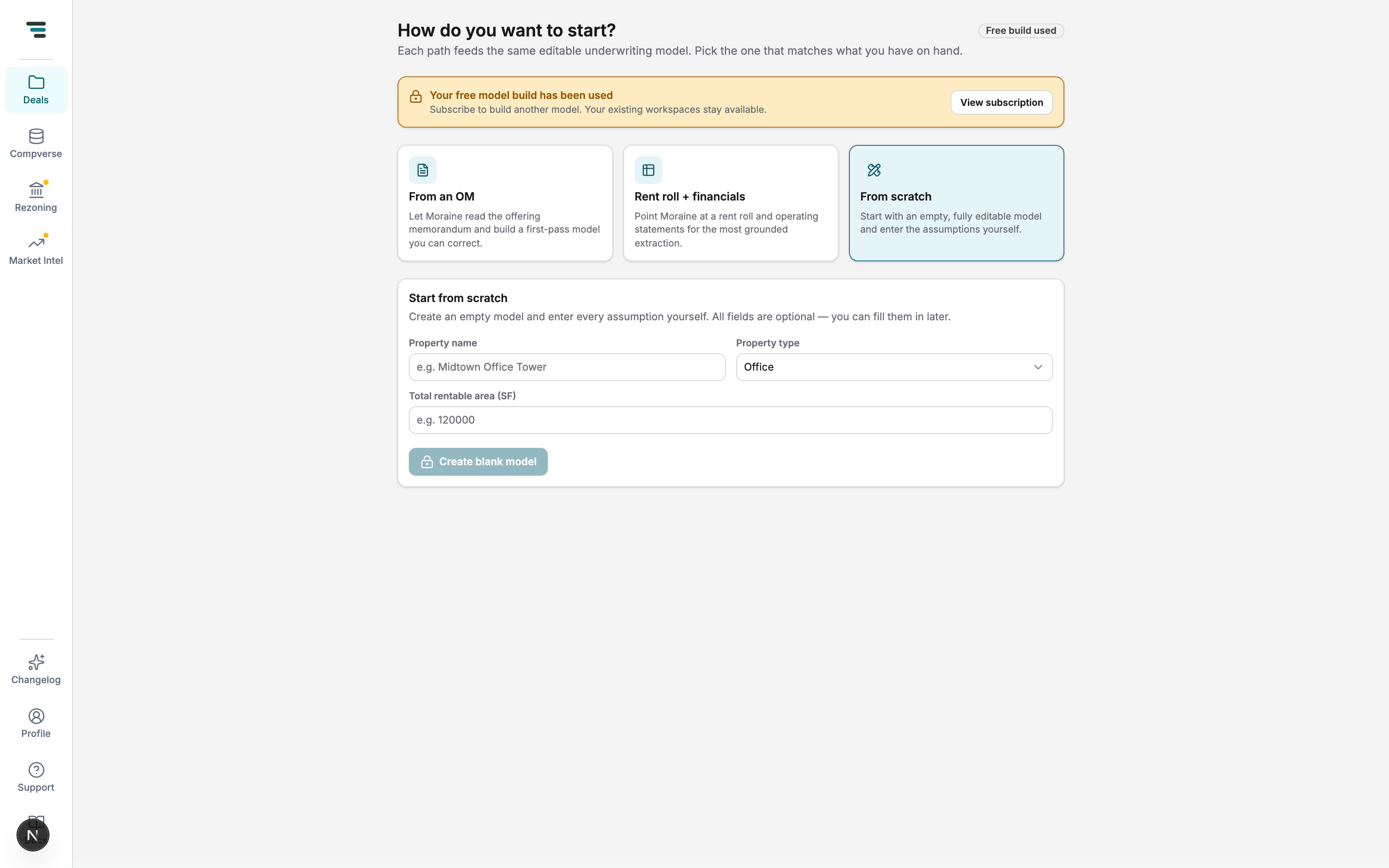
Fig 01The From scratch lane. All fields are optional — you can fill them in later. -
Click Create blank model. The workspace opens with empty schedules and house defaults.
-
Build it up in any order: add tenants on the Rent Roll, expense lines on OpEx, and deal-level values on Assumptions — or type instructions to the agent bar (“add tenant Starbucks, 2,400 SF at $42 NNN”) and let it fill the schedules for you.